
None of the references made in this document to Microsoft® Windows® operating systems apply to Dell™ n-series computers if you purchased one.
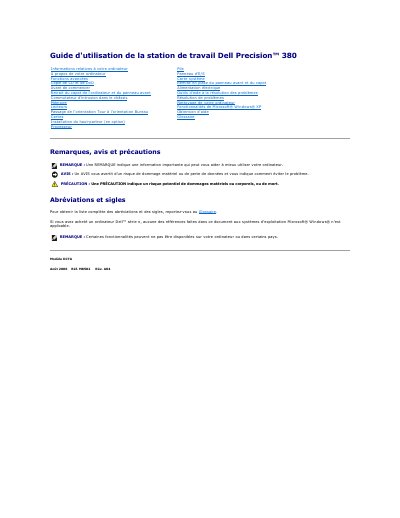
This guide is the French user manual for the Dell Precision 380 workstation. It identifies front, rear, and internal components and describes drive bays, connectors, diagnostic lights, and power states.
It also covers setup and service topics such as memory, drives, cards, processor, power supply, troubleshooting tools, cleaning, and Windows XP features. This manual is written in French.
| Front USB 2.0 connectors | 2 |
|---|---|
| Network connection speeds | 10, 100, or 1000 Mb/s |
It turns on the computer and can also wake the system or put it in power-saving mode.
Do not use the power button directly; shut down through the operating system.
They help troubleshoot problems using the diagnostic code.
It is on when a good connection is established at 10, 100, or 1000 Mb/s.