
Dell Latitude 5175/5179 Quick Start Guide
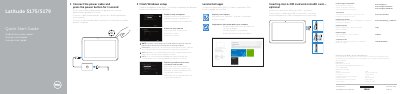
The Dell Latitude 5175/5179 Quick Start Guide provides essential instructions for setting up the device, including powering on, inserting optional SIM and microSD cards, and completing the Windows setup process.
It includes a detailed map of the hardware features, identifying ports such as USB-C, micro-HDMI, and model-specific components like the fingerprint reader and smart-card reader found on the Latitude 5179.
| Input Voltage | 100 V AC–240 V AC |
|---|---|
| Input Frequency | 50 Hz–60 Hz |
| Input Current Consumption | 1.30 A |
| Output Voltage | 5 V DC/20 V DC |
| Output Current Consumption | 2.0 A/1.50 A |
| Battery | 19.5Vdc, 30Wh |
Connect the power cable and press the power button for 1 second.
In the charms sidebar, tap Settings, tap the wireless icon, select your network, and tap Connect.