
This document describes the main functions of the SOYAL Operation Manual Enterprise Series WEB Setting.
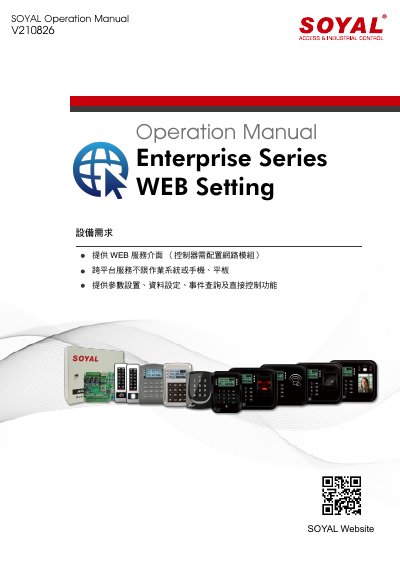
This manual describes the browser-based WEB Setting interface for SOYAL Enterprise Series controllers, card machines, and network converters. It covers login, device status, network parameters, event and access records, controller parameters, card data, time zones, login password, and system clock.
The documented interface includes default network values, port settings, timeout settings, and configuration examples for access time zones and password changes. This manual is written in Chinese.
| Default IP address | 192.168.1.127 |
|---|---|
| Default login account | SuperAdm |
| Default login password | 721568 |
| TCP listen port | 1621 (range 1024-65530) |
| HTTP server port | 80 (range 80-65530) |
| Socket timeout | 120 seconds (range 0-600) |
Open a browser and enter 192.168.1.127 to access the WEB Setting page.
The default account is SuperAdm and the default password is 721568.
No, it is not recommended because it may prevent communication with the server.