
Lift Control is an elevator control software that can be used to set up to 16 automatic open periods for specified floors in an elevator. During these periods, users do not need to tap their cards to press the designated floor to pass; the administrator can also remotely open the designated floor key function through the software, which is convenient to assist residents or visitors who forget to bring their cards to take the elevator.
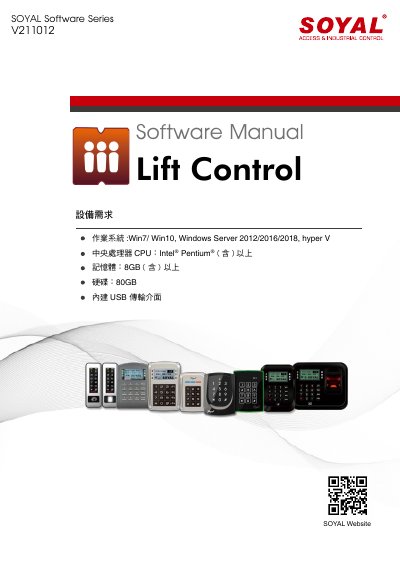
This document provides step-by-step instructions for installing and configuring the SOYAL Lift Control software. It details how to set up communication with compatible controllers such as AR-725-E, AR-331-E, and AR-837-E. The software allows users to define automatic open hours for specific floors, manage relay outputs, and configure time tables for weekdays and holidays. It also includes troubleshooting notes and references to YouTube tutorials for additional guidance.
The software requires a Windows operating system (Win7/Win10, Windows Server 2012/2016/2018, Hyper-V) and hardware specifications including an Intel Pentium or higher CPU, 8GB RAM, and 80GB disk space. It supports USB and RS-485 interfaces for communication with controllers. This manual is written in Chinese.
| Operating System | Win7/ Win10, Windows Server 2012/2016/2018, Hyper-V |
|---|---|
| CPU Requirement | Intel Pentium (or higher) |
| RAM Requirement | 8GB (or higher) |
| Disk Space | 80GB |
| Interface | Built-in USB and RS-485 |
Use the software to set up automatic open hours for specific floors, configure relay outputs, and define time tables for weekdays and holidays. Enterprise controllers require updating AutoLift special functions.
Compatible controllers include AR-725-E, AR-331-E & EF, AR-837-E & EF, AR-727-E, AR-327-E for enterprise versions, and AR-725-H, AR-321-H, AR-888-H, AR-331-H for home versions.
Use a USB or RS-485 converter. For enterprise controllers, connect to UART3 (CN9) output port. Ensure 701Server is running before executing the software.