
SOYAL AR-721HBR/AR-727HBR Access Control Terminal Operation Manual

This manual provides initial setup and operation instructions for SOYAL AR-721HBR/AR-721HDR and AR-727HBR/AR-727HDR access control terminals, covering…
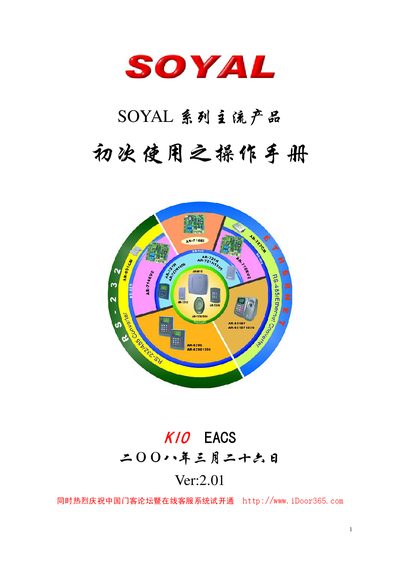

SOYAL AR-721HBR/AR-727HBR Access Control Terminal Operation Manual - cover page
Brand
Soyal
Document type
User Manual
Language
Chinese
Pages
28
File format
PDF
File size
722 KB
Published
12 October, 2026
Updated
12 October, 2026
MD5 checksum
9489554C61287E968650FFD7AC0F652D

About this manual

This operation manual is designed to guide new users of the SOYAL series in testing and using the products. It covers the initial setup process for the AR-721HBR/AR-721HDR keyboard model and the AR-727HBR/AR-727HDR LCD model. The guide details the installation of the 701Server and 701Client software, hardware connections including RS-485 and power lines, and the configuration of the access control system. This manual is written in Chinese.

What's inside

  • Software Installation
  • Hardware Installation
  • 701Server Operation
  • 701Client Operation
  • Card Registration
  • System Debugging
  • Connection Status Check
  • Time Synchronization

Frequently asked questions

What is the default login name and password for the 701Server software?

The default login name and password are both the lowercase string 'supervisor'.

What is the recommended query interval for the controller?

The suggested query interval is set between 200ms and 300ms.

How can you check if the controller connection is normal?

In the connection status dialog, a green 'Y' indicates a normal connection, while a red 'X' indicates a failure.

Download PDF (722 KB)

More Soyal Manuals


View all Soyal manuals →