
The Dell PowerConnect ArubaOS 5.0 Quick Start Guide describes the initial setup of a user-centric network that consists of Dell PowerConnect controllers and Dell PowerConnect Access Points (APs).
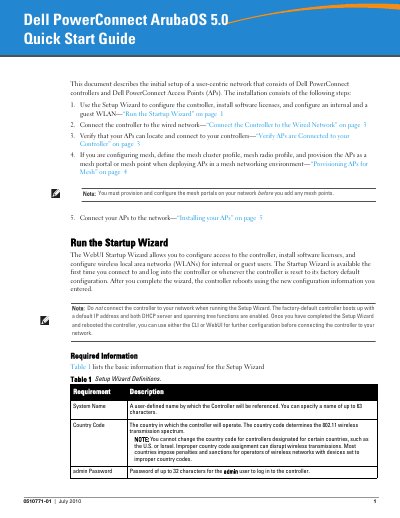
This document provides instructions for the initial setup of a user-centric network using Dell PowerConnect controllers and Access Points (APs). The primary steps involve running the WebUI Startup Wizard to configure the controller, install software licenses, and set up WLANs, followed by connecting the controller to the wired network.
| Default IP Address | 172.16.0.254 |
|---|---|
| System Name Length | up to 63 characters |
| Admin Password Length | up to 32 characters |
| Enable Mode Password Length | up to 15 characters |
The default IP address of the controller is 172.16.0.254.
No, you cannot change the country code for controllers designated for certain countries, such as the U.S. or Israel.