
The Dell Latitude 3380 Quick Start Guide provides instructions on how to connect the power adapter, set up the operating system, connect to a network, and install a SIM card.
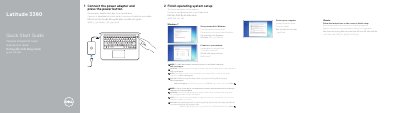
This document serves as a multilingual Quick Start Guide for the Dell Latitude 3380 laptop. It provides step-by-step instructions in English, Indonesian, Spanish, Vietnamese, and Arabic for connecting the power adapter, finishing the operating system setup, setting a Windows password, and connecting to a network. It also includes a specific note directing users to the Owner's Manual for SIM card installation instructions.
| Computer model | Latitude 3380 |
|---|---|
| Regulatory model | P80G |
| Regulatory type | P80G001 |
Please see the Owner's Manual at Dell.com/support.
Enter the password for the wireless network access when prompted.