
Dell Display Manager is a Windows application used to manage a monitor or a group of monitors. It allows manual adjustment of the displayed image, assignment of automatic settings, energy management, image rotation and other features on select Dell models.
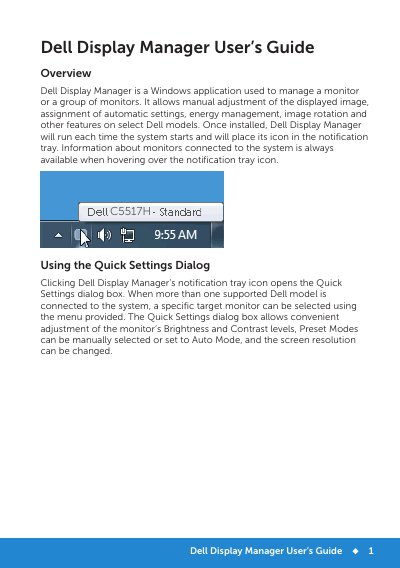
Dell Display Manager is a Windows application designed to manage one or multiple monitors on select Dell models. It provides features for manual image adjustment, energy management, image rotation, and running automatically at system startup. Users can access a notification tray icon to quickly adjust brightness, contrast, and preset modes.
Dell Display Manager is a Windows application used to manage a monitor or a group of monitors by allowing manual adjustment of the displayed image, assignment of automatic settings, energy management, image rotation and other features on select Dell models.
You can adjust the monitor's Brightness and Contrast levels by clicking the notification tray icon to open the Quick Settings dialog box or directly from the Basic tab in the advanced user interface.
To create a custom layout, size and position up to 10 windows on the desktop and then click the Save link in Easy Arrange to save the size and position of the windows.