
Dell™ W4201C/W5001C 42" & 50" Plasma TV Setup Guide
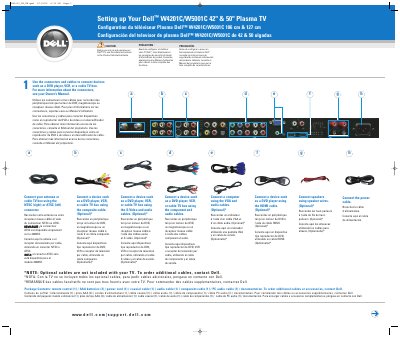
This document serves as a quick setup guide for the Dell W4201C and W5001C 42-inch and 50-inch Plasma TVs. It outlines the necessary steps to connect the power cable, attach external devices such as DVD players, VCRs, and cable boxes using various cables like composite, HDMI, and S-Video, and install batteries in the remote control. The guide also notes that optional cables are not included with the TV and directs users to contact Dell for additional accessories.
The package includes a remote control, AAA batteries, power cord, coaxial cable, audio cable, component cable, and PC audio cable.
No, optional cables are not included with the TV; users must contact Dell to order them.