
Quick Start Guide for Dell Latitude 5175/5179 laptop.
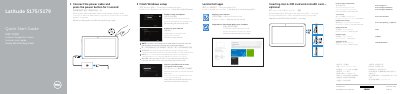
This Quick Start Guide covers the initial setup steps for the Dell Latitude 5175 and Latitude 5179 laptops. It instructs users to connect the power cable and press the power button to turn on the device. The guide also details how to finish the Windows setup process, enable security updates, and connect to a network. This manual is written in Chinese.
| Rated voltage | 100-240 Volts |
|---|---|
| Rated frequency | 50/60 Hertz |
| Rated input current | 0.9 Ampere |
Connect the power cable and press the power button for 1 second.
Enter the password for the wireless network access when prompted.
Yes, you may need to activate your network service before connecting.