
The Dell Studio XPS™ 435T/9000 Service Manual provides information on the features and specifications of the product, as well as detailed instructions for维修.
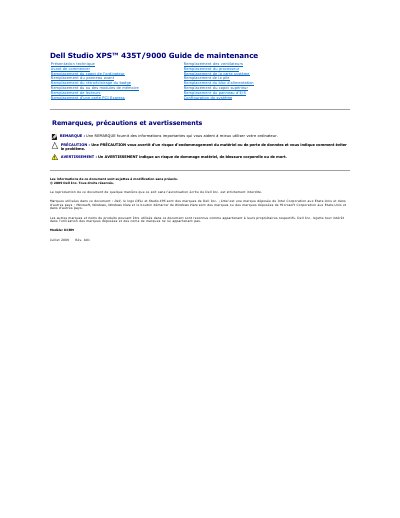
This Dell Studio XPS 435T/9000 maintenance guide is written in French and provides illustrated procedures for removing and replacing computer components. It covers safety precautions, shutdown steps, recommended tools, and parts such as the cover, front panel, badge backlight, memory modules, drives, PCI Express cards, fans, processor, system board, battery, power supply, top cover, and I/O panel.
The guide also describes system configuration after removing or installing a PCI Express card and states that only a certified service technician should perform repairs.
A small flat screwdriver, a small Phillips screwdriver, and a BIOS update CD or executable from Dell support.
Save and close open files and programs, use the Windows Vista Start button menu to shut down, then verify the computer and connected devices are off.
Follow the listed precautions, including grounding yourself by touching an unpainted metal part of the chassis.
Only a certified service technician should perform repairs; damage caused by an unauthorized person is not covered by the warranty.