
Dell Inspiron 3521/5521 Laptop Service Manual

The manual for the Dell Inspiron 3521/5521 laptop.
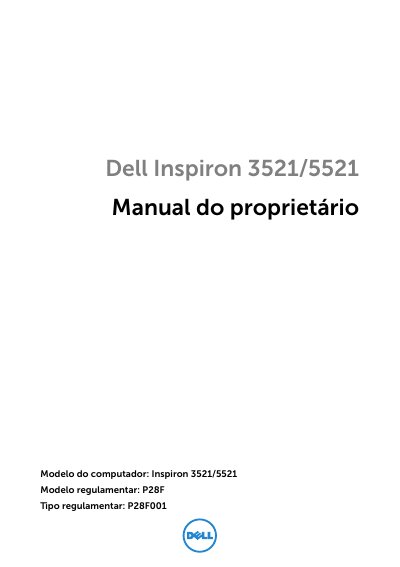

Dell Inspiron 3521/5521 Laptop Service Manual - cover page
Brand
DELL
Category
Laptops
Document type
Service Manual
Language
Portuguese
Pages
96
File format
PDF
File size
1.7 MB
Published
22 November, 2023
Updated
22 November, 2023
MD5 checksum
65D96EF38163E679BECE7674212FA633

About this manual

This document provides step-by-step procedures for servicing internal components of the Dell Inspiron 3521/5521 laptop. It covers safety precautions, shutdown steps, and removal or replacement of parts such as the battery, memory, optical drive, hard drive, keyboard, palm rest, wireless card, I/O board, system board, coin-cell battery, heat sink, fan, speakers, display assembly, display bezel, hinges, display panel, and camera module.

It also includes instructions for updating the BIOS and references to Dell support resources for downloading the update file. This manual is written in Portuguese.

What's inside

  • Before you begin
  • After working inside the computer
  • Removing and replacing the battery
  • Removing and replacing memory module(s)
  • Removing and replacing the optical drive assembly
  • Removing and replacing the hard drive assembly
  • Removing and replacing the keyboard
  • Removing and replacing the palm rest
  • Removing and replacing the display assembly
  • Updating the BIOS

Frequently asked questions

What tools are recommended for the procedures?

A Phillips screwdriver and a plastic scribe.

Where is the service tag located?

On the back of the computer.

How do I update the BIOS?

Go to support.dell.com/support/downloads, locate the BIOS update file for the computer, download it, and run the file.

Download PDF (1.7 MB)

More DELL Manuals


View all DELL manuals →