
Chromebook 5190 2-in-1 Quick Start Guide
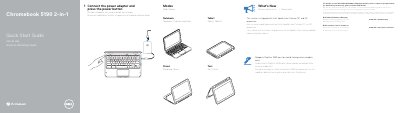
This quick start guide shows how to connect the power adapter and press the power button to start the Dell Chromebook 5190 2-in-1. It also describes notebook, tablet, tent, and stand modes and notes Digitizer EMR pen support on world-facing camera models.
The features section identifies the camera, microphones, ports, controls, card reader, battery status light, power button, service tag, and speakers. Product support, warranty, and regulatory information and links are also included.
| Processor | Intel Apollo Lake Celeron DC and QC |
|---|---|
| World-facing camera | Optional |
| World-facing microphone | Optional |
It is shipped with an Intel Apollo Lake Celeron DC and QC processor.
It supports a Digitizer EMR pen on world-facing camera models only.
Product support and manuals are available at Dell.com/support and Dell.com/support/manuals.