
The Dell Precision 5520 Quick Start Guide provides information on how to use the Dell Precision 5520 laptop.
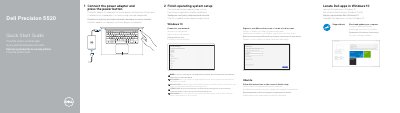
The Dell Precision 5520 Quick Start Guide is a multilingual quick-start document for the Dell Precision 5520 computer. It outlines initial setup steps, including connecting power, completing operating system setup for Windows 10 or Ubuntu, locating Dell apps, and using SupportAssist.
The guide also identifies the computer's external features and ports, lists support and contact resources, and provides regulatory and safety information, including regulatory model P56F and regulatory type P56F001.
| Regulatory model | P56F |
|---|---|
| Regulatory type | P56F001 |
| Computer model | Dell Precision 5520 |
Connect the power adapter and press the power button.
Use Dell.com/support, Dell.com/support/manuals, and Dell.com/support/windows.
Connect to your network, then sign in to your Microsoft account or create a local account.