
OptiPlex 5055 Tower Quick Start Guide
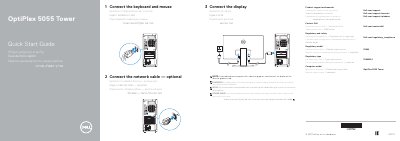
This document provides a quick start guide for the Dell OptiPlex 5055 Tower computer. It includes multilingual instructions for connecting essential peripherals such as the keyboard, mouse, network cable, and display. A specific note advises users who ordered the computer with a discrete graphics card to connect the display to that card instead of the motherboard port.
| Regulatory model | D18M |
|---|---|
| Regulatory type | D18M004 |
| Internal bay size | 5.25-inch |
| USB 3.1 Gen 1 ports | Yes |
| PowerShare support | Yes |
Connect the display to the discrete graphics card.
Yes, it supports Smart Power On via USB 2.0 ports.