
The Dell™ Photo All-In-One Printer 964 User's Guide provides information on ordering supplies, printer information, using the printer, printer software information, and maintenance and troubleshooting.
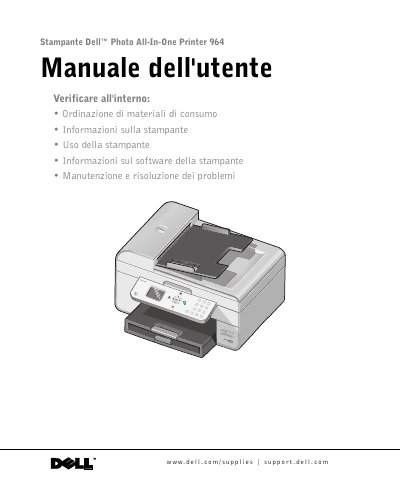
This is the Italian user manual for the Dell Photo All-In-One Printer 964. It explains how to order supplies, set up the printer, use the operator panel, load paper, and print documents and photos.
The guide also covers copying, scanning, faxing, printer software, ink cartridge replacement and cleaning, troubleshooting error messages, and contacting Dell support. This manual is written in Italian.
| Standard black ink cartridge | J5566 |
|---|---|
| Standard color ink cartridge | J5567 |
| High-capacity black ink cartridge | M4640 |
| High-capacity color ink cartridge | M4646 |
| Photo ink cartridge | J4844 |
Order them online at the Dell supplies website or by phone.
Use the ink cartridge alignment procedure described in the manual.
See the technical support and contacting Dell sections.