
Inspiron 15 3000 Series Quick Start Guide
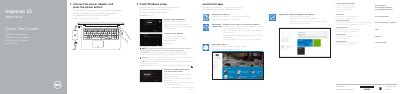
This Quick Start Guide is for the Dell Inspiron 15 3000 Series laptop, computer model Inspiron 15-3552. It explains how to connect the power adapter, press the power button, finish Windows setup, enable security and updates, connect to a network, and sign in to a Microsoft account or create a local account.
The guide also lists computer features such as the microphone, camera, HDMI port, USB ports, media-card reader, optical drive, and battery. It includes shortcut keys for audio, display, wireless, and sleep functions.
| USB 2.0 ports | 2 |
|---|
Connect the power adapter and press the power button.
The computer has two USB 2.0 ports.
The regulatory label is in the battery bay.
Finish Windows setup.