
The Epson PictureMate User Manual explains how to load paper, install software, print from computers or memory cards, and maintain the printer.
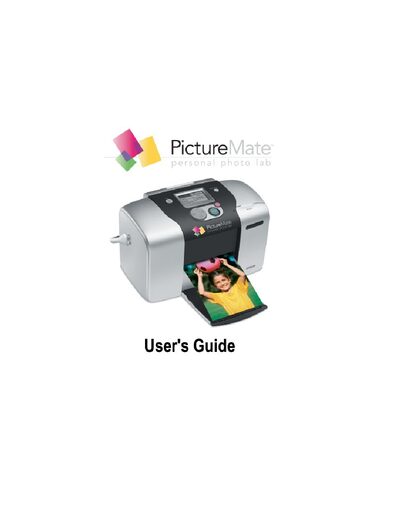
This guide walks you through the basic operation of the Epson PictureMate photo printer, covering paper loading, cartridge replacement, and printing from a computer or memory card. It also includes troubleshooting tips for common issues such as print quality, paper feeding, and software installation.
Additional sections provide safety instructions, specifications, and details on optional accessories like Bluetooth adapters and external storage devices. The manual also explains how to obtain support and warranty information.
| Printing method | On-demand ink jet |
|---|---|
| Nozzle configuration | 90 nozzles × 6 colors |
| Control code | ESC/P® raster EPSON Remote |
| Paper support | PictureMate Photo Paper, 4 × 6 inches, 100 sheets per pack |
| AC adapter | Included with printer |
A PictureMate Print Pack provides enough photo paper and a cartridge for about 100 borderless 4 × 6 in photos.