
The Epson CP‑X200/CP‑X300/CP‑X400 projector user manual provides setup, operation, maintenance and troubleshooting instructions.
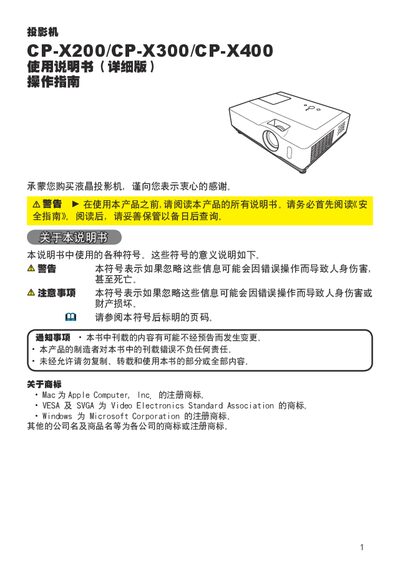
This manual explains how to install and operate the Epson CP‑X200, CP‑X300 and CP‑X400 LCD projectors. It covers safety warnings, component identification, connection methods, menu functions and maintenance procedures.
Detailed sections describe lens‑focus, zoom, image‑size adjustment, remote‑control functions, network commands and fault‑diagnosis, helping users achieve optimal image quality and reliable performance. This manual is written in Chinese.
| Resolution | 1024×768 (786,432 pixels) |
|---|---|
| Lamp Power | 220W UHB |
| Power Consumption | 320W |
| Operating Temperature Range | 5 ~ 35 °C |
| Dimensions (W×H×D) | 340 mm × 100 mm × 270 mm |
| Weight | ≈3.5 kg |
| Audio Output Power | 7 W |
| Power Input | AC 100‑120 V/3.5 A, AC 220‑240 V/1.5 A |
Use the network command “LAMP TIME Reset Execute” to reset the lamp‑time counter.
Send the command “LANGUAGE Set ENGLISH” (or the appropriate language code) to change the UI language.