
Dell Latitude 7380 Quick Start Guide
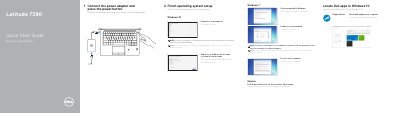
This quick start guide helps set up the Dell Latitude 7380. It outlines connecting power, finishing operating system setup for Windows 10 or Ubuntu, signing in, setting a password, connecting to a network, and locating Dell apps.
It also identifies the computer's features and ports, including optional cameras, fingerprint reader, NFC sensor, smartcard reader, USB, HDMI, DisplayPort over USB Type-C, network, headset, and power connector ports, plus support, manuals, contact, and regulatory information.
| Regulatory model | P28S |
|---|---|
| Regulatory type | P28S001 |
| Computer model | Latitude 7380 |
| Security lock slot | Noble Security Lock Slot |
| Network port | Network port |
| USB port with PowerShare | USB 3.1 Gen 1 port with PowerShare |
| microSD card slot | microSD card slot |
| USIM slot | USIM slot |
| Headset port | Headset port |
| USB port | USB 3.1 Gen 1 port |
| HDMI port | HDMI port |
| DisplayPort over USB Type-C | DisplayPort over USB Type-C (optional Thunderbolt 3) |
| Power connector port | Power connector port |
Connect the power adapter and press the power button.
It checks and updates your computer.
Visit Dell.com/support and Dell.com/support/manuals.
Follow the instructions on the screen.