
The Dell OptiPlex 7020 Quick Start Guide provides information on how to set up and use the Dell OptiPlex 7020 computer.
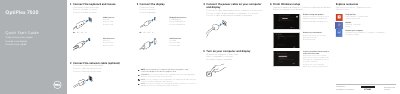
This document serves as a Quick Start Guide for the Dell OptiPlex 7020 series, covering both the Micro Tower (MT) and Small Form Factor (SFF) models. It provides multilingual instructions for initial setup, including enabling security updates, connecting to a network, logging into a Microsoft account, and completing the Windows setup process.
| Regulatory Model (MT) | D12M |
|---|---|
| Regulatory Model (SFF) | D13M |
| Input Voltage | 100 V CA–240 V CA |
| Input Frequency | 50 Hz–60 Hz |
The regulatory model for the MT version is D12M, and for the SFF version is D13M.
You can find support and manuals at dell.com/support or dell.com/windows8.