
Dell Storage Manager 2016 R2 introduces new features and enhancements, and fixes issues that were present in previous releases.
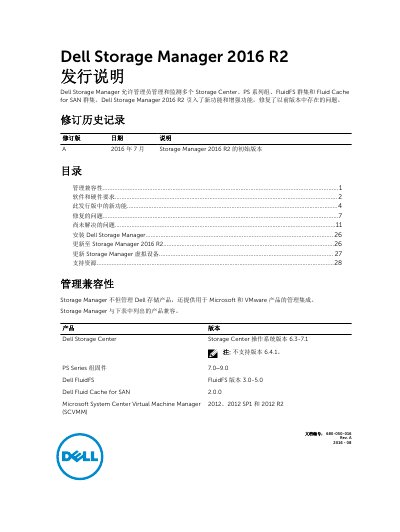
This document provides release notes for Dell Storage Manager 2016 R2, a software tool for managing and monitoring multiple Storage Centers, PS Series groups, FluidFS clusters, and Fluid Cache for SAN clusters. It outlines the features introduced in this version, including support for SC4020 and SC7020 Storage Centers, live volume migration, and enhanced SED re-encryption capabilities. This manual is written in Chinese.
| Supported Dell Storage Center OS Versions | 6.3-7.1 |
|---|---|
| Supported PS Series Group Firmware Versions | 7.0–9.0 |
| Supported FluidFS Versions | 3.0-5.0 |
| Supported Fluid Cache for SAN Versions | 2.0.0 |
| Minimum RAM for Data Collector (with SRA) | 8 GB |
| Minimum Disk Space for Data Collector | 20 GB |
| Supported Web Browsers | Internet Explorer 11, Firefox, Google Chrome, Microsoft Edge |
| Supported Server Agent OS | Windows Server 2008 R2, 2012, 2012 R2 |
If using the Dell Storage Replication Adapter (SRA) for VMware vCenter Site Recovery Manager, 8 GB of RAM is required.
Yes, it supports IPv6 addresses in iSCSI fault domains and allows pinging ports with IPv4 or IPv6 addresses.
Live Volume Migration allows moving a volume from one Storage Center to another without interrupting server communication with the volume.