
The Fortinet Extender 511F is a wireless extender that can extend the range of your existing network to hard-to-reach areas. It supports dual-band Wi-Fi, so you can connect to both 2.4GHz and 5GHz networks at the same time. It also has a built-in Ethernet port, so you can connect wired devices.
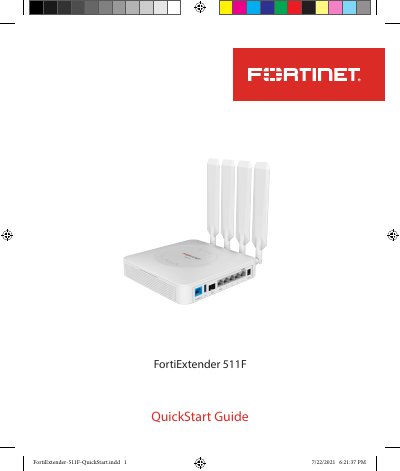
The Fortinet FortiExtender 511F is a wireless Internet WAN connection device that provides a Sub-6 GHz 5G wireless connection. It supports maximum downlink speeds of 5 Gbps in NSA mode and 4.2 Gbps in SA mode, with fallback to 4G LTE CAT 20 when 5G is unavailable. The device includes one 1G SFP connection, one 1G RJ-45 wired WAN connection, and four 1G LAN connections.
This Quick Start Guide covers the packing list, product description, port and LED definitions, and button operating instructions. It also details the LED behavior for various system states, including power, network modes, and management connections, as well as environmental specifications and safety cautions.
| Maximum Downlink Speed (NSA) | 5 Gbps |
|---|---|
| Maximum Uplink Speed (NSA) | 650 Mbps |
| Maximum Downlink Speed (SA) | 4.2 Gbps |
| Maximum Uplink Speed (SA) | 450 Mbps |
| SIM Card Type | MicroSIM (3FF) |
| Operating Temperature | 0°C to 40°C |
The device only supports MicroSIM (3FF) SIM cards, which are not included in the box.
You must set the baud rate to 115200 to access the device from its console port.
A steady green LED indicates a 1 G network connection.