
This guide covers installation, mounting options (DIN rail and wall), power connections, Ethernet setup, CLI access via serial port, SFP transceiver…
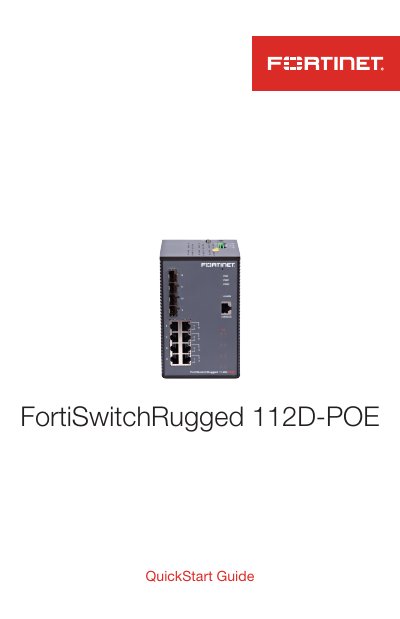
The document provides instructions on registering the product for support and details the physical installation process. It explains how to mount the device using included DIN rail brackets or wall mount brackets, noting that specific screws may be required for wall mounting.
The guide outlines basic connection procedures including redundant power input configurations (PWR-1/PWR-2), Ethernet port setup with default IP addresses, and serial console access settings. It also covers the installation and removal of SFP transceivers and describes how to register the device for cloud management via FortiLink.
| Power Input Voltage (PWR-2) | +/- 50 to +/- 57V DC, 5A for PoE+ output |
|---|---|
| PoE Output Max Power | Up to a maximum of 240W (PoE+) or 123.2W (PoE) |
| Console Port Baud Rate | 115200 |
| Default Management IP Address | 192.168.1.99 |
The default username is 'admin' and there is no password required.
Connect the device's console port to a management computer using the provided cable and configure terminal emulation settings.
No, the device does not support interconnectivity between units using PoE ports; Fortinet recommends using SFP ports for this purpose.