
Fortinet FortiGate/FortiWiFi 30E/50E/51E Information

This document provides hardware specifications, port details, LED indicator meanings, and regulatory compliance information for the FortiGate/FortiWiFi…
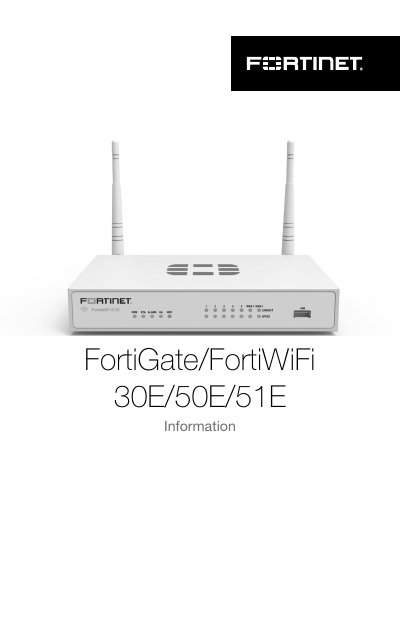

Fortinet FortiGate/FortiWiFi 30E/50E/51E Information - cover page
Brand
Fortinet
Document type
Product Leaflet
Language
English
Pages
16
File format
PDF
File size
2.1 MB
Published
21 October, 2026
Updated
21 October, 2026
MD5 checksum
DA0A1D51201D887CD4E4918992E40E00

About this manual

The document serves as a quick reference guide for the Fortinet FortiGate/FortiWiFi 30E/50E/51E devices. It details the contents of the box, including power adapters and antennas, and describes the physical layout of ports such as WAN, LAN, Console, and USB.

What's inside

  • Box Contents
  • Port Descriptions
  • LED Indicators
  • Power Specifications
  • Regulatory Compliance

Frequently asked questions

What power input voltage and frequency range does the FortiGate/FortiWiFi 30E/50E/51E support?

The unit accepts a power adapter rated for 12V DC with an AC input of 100-240V at 50-60Hz.

What is the minimum required distance between the device and your body for safety?

The equipment must be operated with a minimum distance of 20cm (which could range from 20 to 30) between the radiator and your body.

What is the maximum antenna gain approved for use with this device in Canada?

The device is designed to operate with an antenna having a maximum gain of 2 dBi for 2.4GHz and 3 dBi for 5GHz.

Download PDF (2.1 MB)

More Fortinet Manuals


View all Fortinet manuals →