
The Dell™ OptiPlex™ 780 Small Form Factor Maintenance Guide provides information on how to maintain the Dell™ OptiPlex™ 780 Small Form Factor.
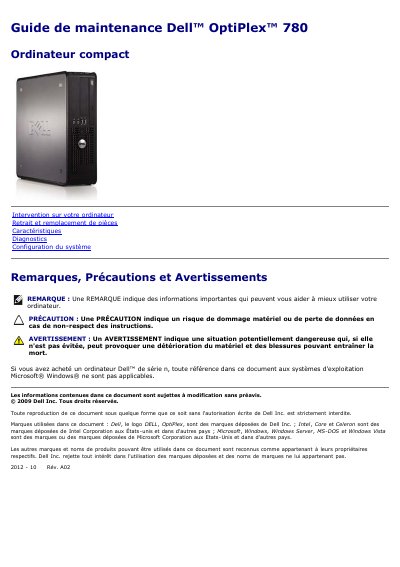
This document is a maintenance guide for the Dell OptiPlex 780 Small Form Factor computer. It provides instructions for performing internal interventions, including safety precautions, recommended tools, and procedures for powering down the system. The guide emphasizes the importance of using an anti-static wrist strap and handling components carefully to prevent damage. This manual is written in French.
| Processor Type | Intel Core 2 Duo / Core 2 Quad / Pentium Dual-Core / Celeron |
|---|---|
| Memory Type | SDRAM DDR3 (mémoire non-ECC uniquement) |
| Memory Capacity | 1 Go, 2 Go ou 4 Go non ECC |
| Maximum Memory | 16 Go |
| Video Memory | Up to 256 Mo de mémoire vidéo partagée |
| Network Speed | 10/100/1000 Mo/s |
| BIOS Chip | 64 Mo |
The guide recommends a small flathead screwdriver, a Phillips screwdriver, a small plastic point, and the BIOS update CD.
Yes, the computer can support up to two 2.5-inch hard drives with adapters.