
OptiPlex TM USFF 780 AIO Stand works with OptiPlex TM USFF 780 AIO desktop.
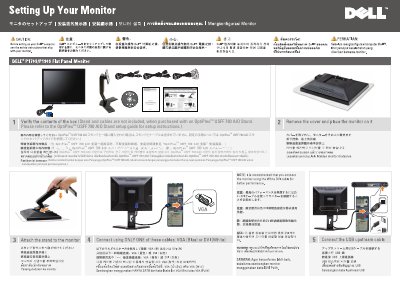
This document serves as a supplementary setup guide for the Dell OptiPlex USFF 780 AIO Stand. It clarifies that when the stand is purchased separately, it does not include the stand itself or the necessary cables. Users are directed to refer to the specific OptiPlex TM USFF 780 AIO Stand setup guide for detailed installation steps.
| Document Part Number | 4J.0W801.012 |
|---|---|
| Document Revision | Rev.A01 |
| Publication Date | September 2009 |
No, the stand and cables are not included when purchased separately.
No, the rotation feature is not applicable for the AIO stand.
No, the AIO stand does not have a cable management slot.