
The Dell OptiPlex 780-USFF All-in-One (AIO) Stand is a unique stand solution with integrated cable management, designed to fit into your specific environment.
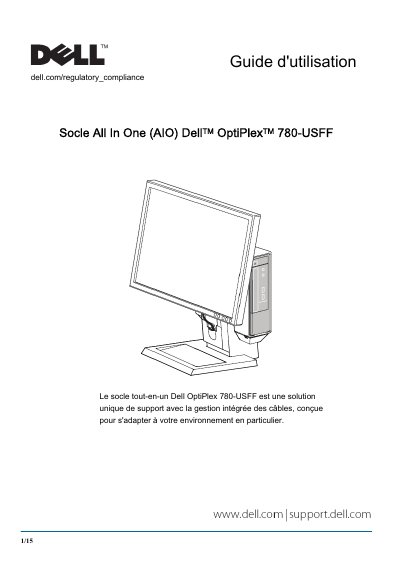
This document is the user guide for the Dell OptiPlex 780-USFF All-in-One (AIO) stand. It provides instructions on installing the stand, managing cables, and connecting the system and monitor. The guide includes safety warnings and symbols to ensure proper usage. This manual is written in French.
| Height | 15 inches (380 mm) |
|---|---|
| Depth | 9.6 inches (245 mm) |
| Width | 10.8 inches (275 mm) |
| Weight | 8.0 lbs (3.7 kg) |
| Monitor Weight Capacity | ≤ 10.1 lbs (4.6 kg) |
| System Weight Capacity | ≤ 7 lbs (3.2 kg) |
| Operating Temperature | 32°F to 95°F (0°C to 35°C) |
| Storage Temperature | -40°F to 149°F (-40°C to +69°C) |
| Input Voltage | 100-120 V~, 50/60 HZ, 3.5 A |
The stand is compatible with Dell monitors P190S, 1909W, and P2210.
The stand supports a monitor up to 10.1 lbs (4.6 kg) and the system up to 7 lbs (3.2 kg).
The stand includes a Kensington security slot and a lockable ring for a cable diameter of 3-8 mm.