
Dell™ 1909W Flat Panel Monitor User's Guide
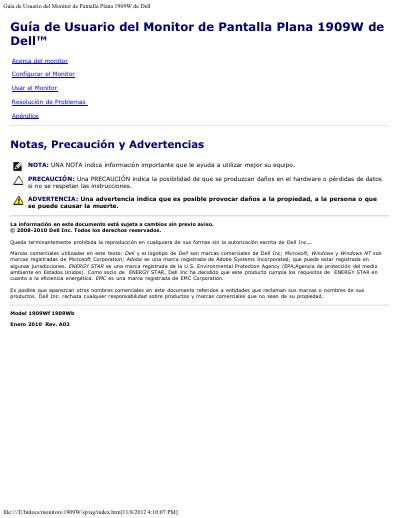
This document is the user guide for the Dell 1909W flat panel monitor. It provides instructions on how to configure and use the monitor, including setting up the hardware and adjusting display settings via the On-Screen Display (OSD).
The guide details the contents of the package, identifies various parts and components such as ports and controls, and lists technical specifications including screen size, resolution, and connectivity options. It also includes troubleshooting steps and maintenance guidelines. This manual is written in Spanish.
| Screen Type | Active Matrix - TFT LCD |
|---|---|
| Panel Type | TN |
| Screen Size | 19 inches |
| Viewable Area | 408.24(H) X 255.15(V) mm |
| Resolution | 1440x900 |
| Brightness | 300 cd/m² |
| Contrast Ratio | 1000:1 |
| Response Time | 5 ms |
| Viewing Angle (Vertical) | 160° |
| Viewing Angle (Horizontal) | 160° |
| Backlight | CCFL |
| VESA Mount | 100 mm |
The default viewable area is 408.24 mm horizontally and 255.15 mm vertically.
Yes, the monitor supports Plug and Play if the system is compatible.
The monitor uses a CCFL side-lighting system.