
The Dell 1909W flat panel display has an active matrix, thin-film transistor (TFT) liquid crystal display (LCD). The monitor features include: 19-inch (482.6 mm) viewable area (diagonal measure). 1440x900 resolution, with support for full-screen display of lower resolutions. Wide viewing angle to allow viewing from a sitting or standing position, or from the side. Tilt, swivel, vertical extension and rotation adjustment capabilities. Removable stand and Video Electronics Standards Association (VESA®) 100 mm mounting holes for flexible mounting solutions. Plug and play capability (if supported by your system). Universal Serial Bus (USB) interface.
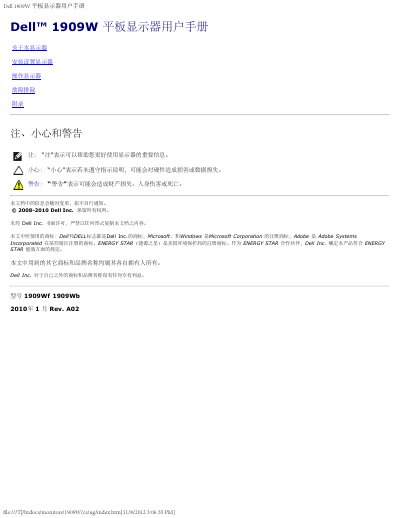
This user guide covers the setup and operation of the Dell 1909W flat panel monitor. It details the included packaging items, identifies control buttons and ports, and explains how to adjust settings using the On-Screen Display (OSD) menu for brightness, contrast, and input selection. The document also outlines the monitor's technical specifications, including screen size, resolution, and electrical requirements. This manual is written in Chinese.
| Screen Size | 19 inches (19 inch viewable area) |
|---|---|
| Resolution | 1440 x 900 |
| Response Time | 5 ms (typical) |
| Contrast Ratio | 1000:1 (typical) |
| Viewing Angle | 160º (vertical, typical) |
| Input Voltage | 100 - 240 VAC |
The optimal preset resolution is 1440 x 900 at 60 Hz.
Select the 'Reset' option in the OSD menu to reset all settings to factory presets.
Ensure the power button is pressed, select the correct input source, and increase brightness and contrast using the OSD.