
Dell Display Manager is a Windows application used to manage a monitor or a group of monitors. It allows manual adjustment of the displayed image, assignment of automatic settings, energy management, image rotation and other features on select Dell models.
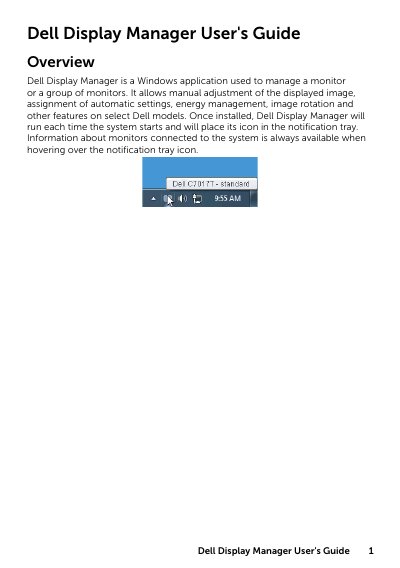
Dell Display Manager is a Windows application designed to manage one or multiple Dell monitors. It provides features for manual image adjustment, automatic setting assignment, energy management, and image rotation. Once installed, the application runs at system startup and displays an icon in the notification tray for quick access to monitor information.
It is a Windows application used to manage a monitor or a group of monitors by allowing manual image adjustment, automatic settings assignment, energy management, and image rotation.
You can manually select a preset mode or use Auto Mode, and you can also directly adjust the Brightness and Contrast from the Basic tab.
To add a new application, simply drag the application from the desktop, Windows Start Menu, or elsewhere, and drop it onto the current list.