
The Dell Inspiron 14/14R/M431R laptop quick start guide.
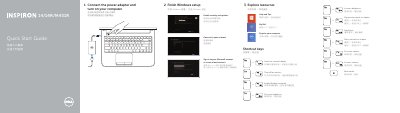
This guide covers initial Windows setup, connecting the power adapter, and turning on the computer for Dell Inspiron 14/14R/M431R laptops. It also lists shortcut keys and identifies feature locations.
The guide describes ports and indicators such as USB, HDMI, network, headset, and media-card reader, and provides Dell support, manual, contact, and regulatory information.
| Digital microphone | 1 |
|---|---|
| Camera | 1 |
| Optical drive | 1 |
| USB 2.0 port | 1 |
| Media-card reader | 1 |
| USB 3.0 ports | 2 |
| Network port | 1 |
| HDMI port | 1 |
| Headset port | 1 |
| Regulatory model | P37G |
Dell lists product support and manuals at dell.com/support and dell.com/support/manuals.
Contact Dell at dell.com/contactdell.
The regulatory model is P37G.