
Dell Precision Mobile Workstation 7000 Series Quick Start Guide

Dell Precision Mobile Workstation 7000 Series Quick Start Guide
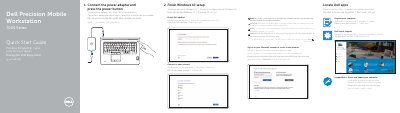

Dell Precision Mobile Workstation 7000 Series Quick Start Guide - cover page
Brand
DELL
Category
Laptops
Document type
Quick Start Guide
Language
English
Pages
2
File format
PDF
File size
408 KB
Published
20 November, 2023
Updated
20 November, 2023
MD5 checksum
73E29CD007DE0BE82A8573784A66649D

About this manual

This document serves as a multilingual Quick Start Guide for the Dell Precision 7710 Mobile Workstation. It provides instructions for connecting the power adapter, performing initial setup, registering the computer, and enabling updates. The guide includes specific notes for connecting to secured wireless networks and setting up Microsoft accounts.

What's inside

  • Connect the power adapter
  • Finish Windows 10 setup
  • Register your computer
  • Enable Dell updates
  • Connect to your network
  • Features
  • Regulatory model
  • Contact Dell

Specifications

Regulatory ModelP29E
Regulatory TypeP29E001
Operating SystemWindows 10

Frequently asked questions

What should I do if I connect to a secured wireless network?

You must enter the password for the wireless network access when prompted.

How do I enable Dell updates?

You need to activate or enable Dell updates on the computer.

Download PDF (408 KB)

More DELL Manuals


View all DELL manuals →