
Dell OptiPlex 380 Small Form Factor Service Manual

The Dell™ OptiPlex™ 380 Small Form Factor Service Manual provides information on the features and specifications of the Dell™ OptiPlex™ 380 Small Form Factor.
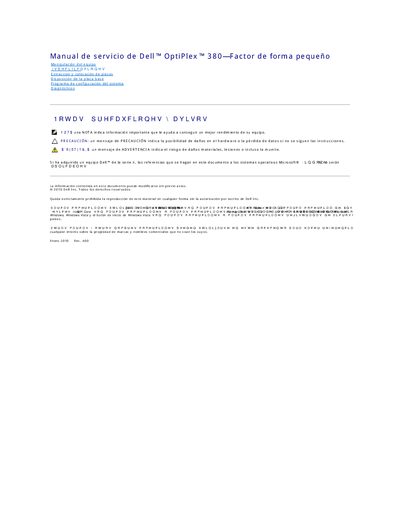

Dell OptiPlex 380 Small Form Factor Service Manual - cover page
Brand
DELL
Category
Desktops
Document type
Service Manual
Language
Spanish
Pages
51
File format
PDF
File size
319 KB
Published
20 November, 2023
Updated
20 November, 2023
MD5 checksum
D052E271D3C9F4E20D69E2DBCEEDB7DE

About this manual

The Dell OptiPlex 380 Small Form Factor Service Manual is a Spanish-language service document for the Dell OptiPlex 380 small form factor computer. It covers equipment handling, specifications, removal and installation of parts, motherboard layout, the system setup program, and diagnostics.

The manual describes BIOS setup navigation, boot menu options, system configuration settings, and on-screen messages such as NOTE, CAUTION, and WARNING. This manual is written in Spanish.

What's inside

  • Manipulación del equipo
  • Especificaciones
  • Extracción y colocación de piezas
  • Disposición de la placa base
  • Programa de configuración del sistema
  • Diagnósticos
  • Menú de inicio
  • Opciones del menú de configuración del sistema

Specifications

Form factorSmall Form Factor

Frequently asked questions

How do I open the system setup program?

Press when the Dell logo appears.

How do I display the one-time boot menu?

Press when the Dell logo appears.

What does a NOTE indicate?

It indicates important information that helps you get better performance from your equipment.

Download PDF (319 KB)

More DELL Manuals


View all DELL manuals →