
The Dell™ OptiPlex™ 760 Service Manual introduces the advanced features of the Dell™ OptiPlex™ 760, including LegacySelect technology control, DASH, and vPro technologies.
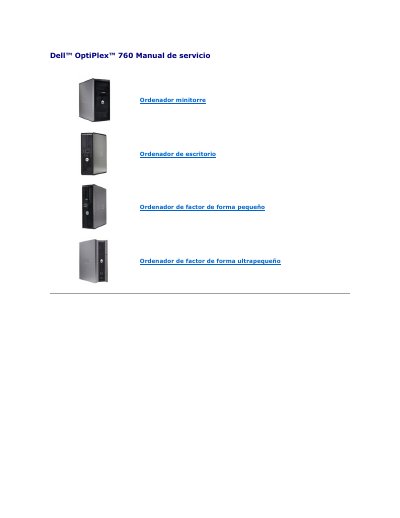
Dell OptiPlex 760 service manual covers advanced management features for the mini-tower, desktop, small form factor, and ultra-small form factor systems. It describes LegacySelect technology control, DASH management profiles, Intel Active Management Technology, out-of-band management, MEBx configuration, USB provisioning, and Alert Standard Format.
The manual also lists Dell OpenManage and Dell Client Manager applications, ASF alerts, and error messages related to chassis intrusion, CPU temperature, cooling, and battery voltage. This manual is written in Spanish.
| MEBx default password | admin |
|---|---|
| USB provisioning file system | FAT16 |
| USB provisioning file | setup.bin |
| Battery low alert threshold | 2.2 V or lower |
The default MEBx password is admin.
Open MEBx with Ctrl-P, select Intel ME Configuration, then Intel ME Features Control, then Manageability Feature Selection, and choose None.
The USB drive must contain only the setup.bin file.
The USB drive must be formatted with the FAT16 file system without system files.