
The Dell™ Inspiron™ N5020/M5030/N5030 Service Manual provides information on how to disassemble and replace notebook components.
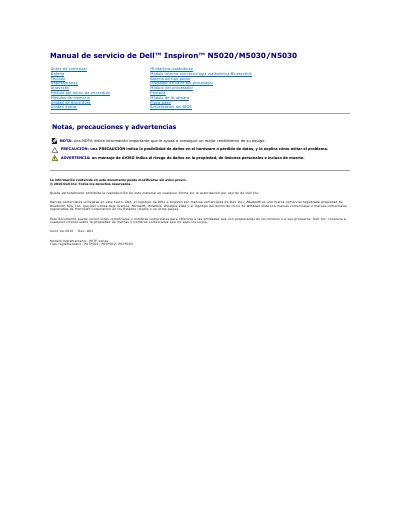
This Spanish-language service manual covers removal and installation procedures for components of the Dell Inspiron N5020/M5030/N5030 computer, including the battery, keyboard, palm rest, speakers, power button module, memory modules, hard drive, optical drive, wireless mini-card, Bluetooth module, coin-cell battery, heat sink, processor module, display, camera module, and system board. It also describes pre-work safety steps, recommended tools, and BIOS update procedures.
The manual includes precautions such as using a certified technician for repairs and grounding the system board before internal work. It identifies the regulatory model as P07F series and the regulatory types as P07F001, P07F002, and P07F003. This manual is written in Spanish.
| Regulatory model | P07F series |
|---|---|
| Regulatory type | P07F001; P07F002; P07F003 |
The manual lists a small flat-blade screwdriver, a Phillips screwdriver, a plastic scribe, and the BIOS update executable available at support.dell.com.
Turn on the computer, go to support.dell.com/support/downloads, find and download the BIOS update file, save it to the desktop, then run the downloaded file and follow the on-screen instructions.
Only a certified technician should perform repairs; unauthorized repairs are not covered by the warranty.
The manual requires shutting down the computer and connected devices, disconnecting cables and power, removing the battery, and grounding the system board.