
The Dell Inspiron M2300 Service Manual provides information on how to service the Dell Inspiron M2300 laptop.
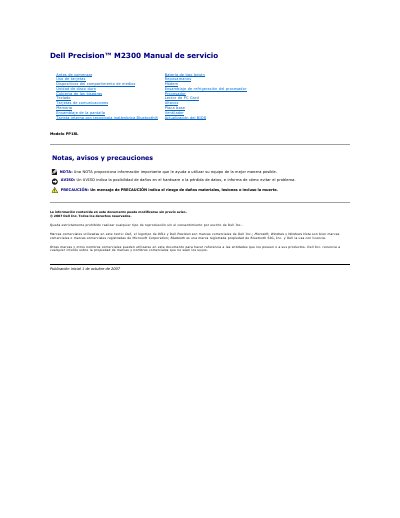
This document is the Spanish service manual for the Dell Precision M2300 laptop (Model PP18L). It provides detailed instructions for technicians on how to safely service the device, including procedures for powering down, removing the battery, and discharging static electricity before opening the chassis.
The manual covers the removal and installation of various internal components such as the hard drive, keyboard, memory, cooling fan, processor, and wireless Bluetooth card. It also includes specific steps for updating the BIOS from a CD or the hard drive. This manual is written in Spanish.
The recommended tools include a small flat screwdriver, a Phillips screwdriver, a small plastic scribe, a 5 mm hex nut wrench, a BIOS Flash update CD, and processor extraction tools.
Save and close open files, exit programs, shut down through the operating system, and if needed hold the power button for about 4 seconds.
Disconnect the computer and all connected devices from electrical outlets.
Do not pull the card cable too hard while lifting the card from its compartment.