
The Dell™ Inspiron™ 580s Service Manual provides information on how to service and maintain a Dell™ Inspiron™ 580s computer.
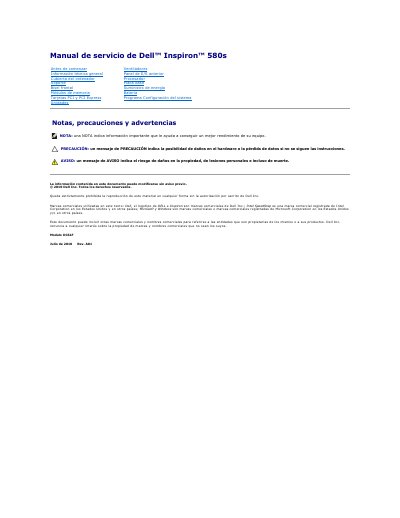
This document is a service manual for the Dell Inspiron 580s desktop computer, published by Dell Inc. in July 2010. It provides technical instructions for certified technicians to remove and install internal components such as the front bezel, stand, memory modules, PCI/PCI Express cards, fans, and power supply.
The manual includes specific sections on safety precautions, power-down procedures, and the use of recommended tools like small Phillips screwdrivers. It details step-by-step procedures for disassembling the chassis, handling the motherboard, and reassembling the system, emphasizing the need to discharge static electricity before working inside the computer. This manual is written in Spanish.
Lift the front bezel retainers one by one to separate it from the chassis, then turn and pull the bezel to free it from the slots.
Remove the screw that secures the card retention bracket to the chassis, push the bracket toward the back, and lift the stand over the hinge tab.