
The Dell™ Dimension™ 1100/B110 Systems Service Manual provides information on how to remove and install parts, replace the computer cover, and troubleshoot problems.
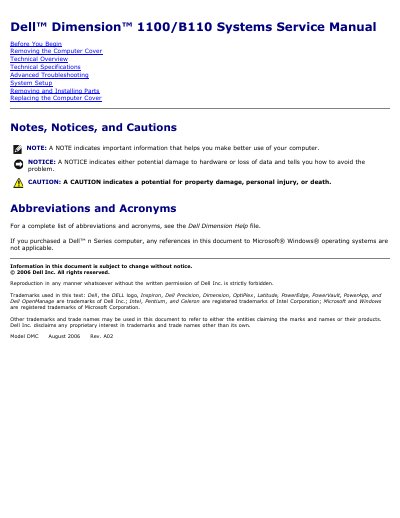
This service manual is for Dell Dimension 1100/B110 systems and is dated August 2006, revision A02. It covers safety precautions, removing and replacing the computer cover, technical overview, technical specifications, advanced troubleshooting, system setup, and removing and installing parts.
The manual includes detailed power supply connector pin assignments and system specifications such as processor, memory, chipset, BIOS, network interface, and system clock information.
| Processor type | Intel Pentium 4 with HT Technology and Intel Celeron |
|---|---|
| Level 1 cache | 8 KB |
| Level 2 cache | 128-KB or 512-KB |
| Memory type | 333- and 400-MHz DDR SDRAM |
| Memory connectors | two |
| Memory capacities | 128-, 256-, 512-, or 1-GB non-ECC |
| Minimum memory | 128 MB |
| Maximum memory | 2 GB |
| BIOS address | F0000h |
| Chipset | Intel 865 GV |
| DMA channels | Seven |
| Interrupt levels | 24 |
| BIOS chip (NVRAM) | 4 Mb |
| Network interface | Integrated 10/100 |
| System clock | Intel Pentium 4: 800 MHz |
| Power supply | 250 W, 115 or 230 VAC at 50-60 Hz |
A small flat-blade screwdriver and a Phillips screwdriver may be required.
The system supports a maximum of 2 GB of memory.
The system supports Intel Pentium 4 with HT Technology and Intel Celeron processors.
The system uses a 250-W power supply that can operate from 115 or 230 VAC at 50-60 Hz.