
The Dell™ Inspiron™ N3010 Manual provides information on how to use and maintain your Dell™ Inspiron™ N3010 laptop.
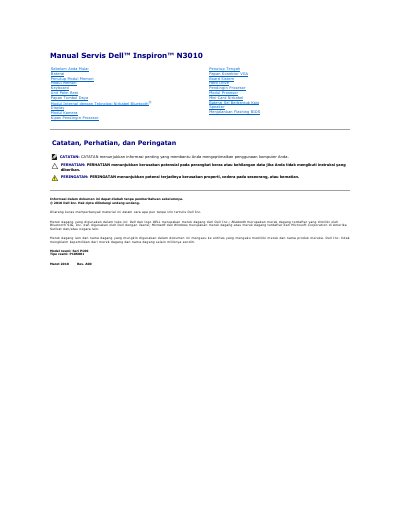
This Dell Inspiron N3010 service manual provides removal and installation procedures for components such as the battery and memory cover, along with BIOS flashing steps and safety guidance.
It also lists recommended tools, including small flathead and Phillips screwdrivers, a plastic scribe, and a BIOS update program from support.dell.com.
The manual lists a small flathead screwdriver, a Phillips screwdriver, a plastic scribe, and a BIOS update program from support.dell.com.
Turn the computer over, unlock and slide the battery release latch, then slide and lift the battery out.
Download the BIOS update file from support.dell.com/support/downloads and run it from the desktop.
Only qualified service technicians should repair the computer; unauthorized service is not covered by warranty.