
This document provides specifications and safety information for Dell computers.
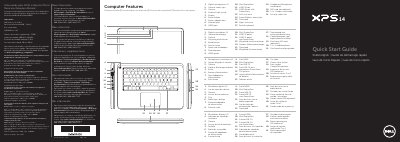
This document is a multilingual quick start guide for the Dell XPS L421X computer. It lists computer features and provides setup steps such as connecting the network cable and power adapter, installing an optional SIM card, pressing the power button, and completing Windows setup.
It also includes function-key descriptions, wireless-status checks, password-recording notes, and regulatory information. The listed regulatory model is P30G, with an input voltage range of 100 VCA to 240 VCA.
| Regulatory model | P30G |
|---|---|
| Type | P30G001 |
| Computer model | XPS L421X |
| Input voltage | 100 VCA–240 VCA |
| Input current (maximum) | 1,70 A |
| Input frequency | 50 Hz–60 Hz |
The regulatory model is P30G.
The computer model is XPS L421X.
Do not use the @ symbol in your password.
Click Start → All Programs → Dell Help Documentation or go to support.dell.com/manuals.