
Inspiron 15-5558 Laptop Quick Start Guide
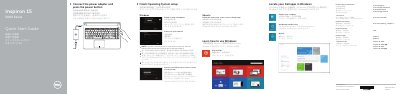
This document serves as a Quick Start Guide for the Dell Inspiron 15-5558 laptop. It outlines the initial steps to get the device running, including connecting the power adapter, completing the operating system setup, and enabling security updates. The guide supports multiple languages and directs users to Dell's support website for further assistance.
Connect the power adapter and press the power button.
It has 2 USB 2.0 ports.
The left microphone is only on the Inspiron 15-5558.
Enter the password for the wireless network access when prompted.