
The Dell™ 1815dn Multi-Function Laser Printer is a multifunction printer that can print, scan, copy, and fax. It features: - Print speeds up to 30 pages per minute - Scan resolutions up to 1200 x 2400 dpi - Copy resolutions up to 600 x 600 dpi - Fax resolutions up to 300 x 300 dpi - Automatic duplex printing - Automatic document feeder - Network printing
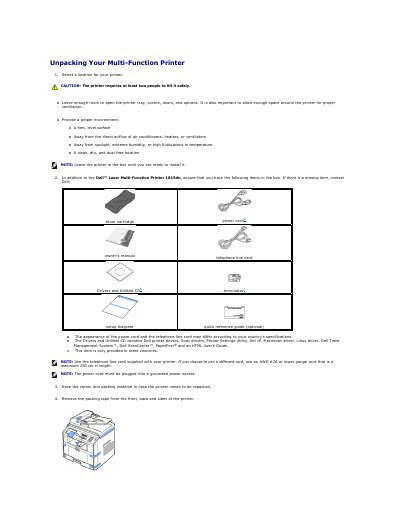
This document serves as the user guide for the Dell Laser Multi-Function Printer 1815dn. It covers the initial unpacking process, including a checklist of items to verify in the box and safety precautions for lifting the device. The guide details the proper environment for placement and the steps to remove packing materials and unlock the scanner module.
| Paper Capacity | 250 sheets |
|---|---|
| Paper Weight | 75 g/m2, 20lb |
| USB Cable Length | about 3 m |
The available languages are English, French, German, Italian, Spanish, Czech, Iberian Portuguese, Dutch, Polish, Norwegian, Swedish, Finish, Danish and Russian.
The printer requires at least two people to lift it safely.