
This document is a quick start guide for Dell computers, which introduces how to set up and use a Dell computer.
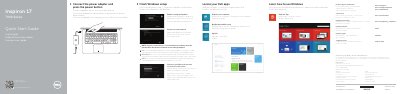
This quick start guide covers initial Windows setup, Dell apps, registration, backup and recovery, support contacts, regulatory information, and hardware features for the Dell Inspiron 7746. It also lists keyboard shortcut keys and port locations for the Inspiron 17 7000 Series computer.
| Input voltage | 100 V AC–240 V AC |
|---|---|
| Input frequency | 50 Hz–60 Hz |
| Input current | 1.50 A/1.60 A/1.70 A/2.50 A |
| Output voltage | 19.50 V DC |
| Output current | 3.34 A/4.62 A |
| Country of origin | China |
The guide directs users to see Specifications at dell.com/support.
Scan the code shown in the guide to access how-to information at Dell.com/QRL/Inspiron/17.
The guide lists the computer model as Inspiron 7746.