
The Dell™ XPS™ L502X Manual provides information on how to use and maintain your Dell™ XPS™ L502X laptop.
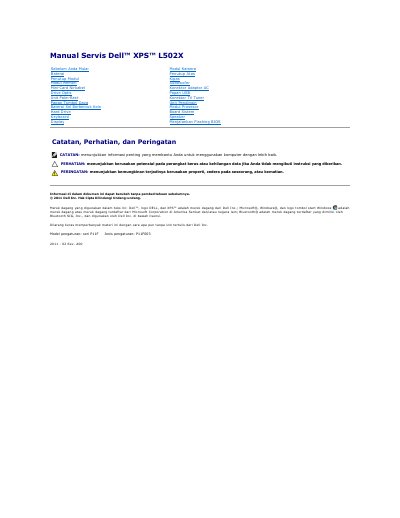
This Dell XPS L502X service manual provides procedures for removing and reinstalling computer components. It covers the battery, cover, memory module, wireless mini-card, optical drive, palm-rest, keyboard, display, camera module, fan, subwoofer, AC adapter connector, USB board, TV tuner, cooling unit, processor module, system board, and speaker.
The guide also includes before-you-begin safety guidance, recommended tools, instructions for shutting down the computer and working inside it, and steps for flashing the BIOS from support.dell.com.
| Model pengaturan | seri P11F |
|---|---|
| Jenis pengaturan | P11F003 |
| Revision | Rev. A00 |
The procedures may require a small flat-blade screwdriver, a Phillips screwdriver, a plastic pry tool, and a runnable BIOS update program available at support.dell.com.
Turn on the computer, go to support.dell.com/support/downloads, find the BIOS file by service tag or product model, download it to the desktop, and double-click the file to follow the on-screen instructions.
Save and close open files and programs, shut down the computer, disconnect all cables and attached devices, remove the battery, and make a ground connection by touching an unpainted metal surface.
The manual covers the battery, cover, memory module, wireless mini-card, optical drive, palm-rest, keyboard, display, camera module, fan, subwoofer, AC adapter connector, USB board, TV tuner, cooling unit, processor module, system board, and speaker.