
This document describes how to set up Windows.
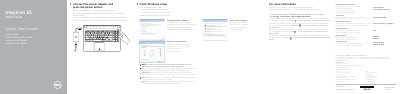
This Dell Inspiron 15 5000 Series quick start guide covers setup steps for Windows. It says to connect the power adapter and press the power button, then set up a password and connect to the network.
The guide also lists features and shortcut keys for the laptop. Features include microphone, camera, status lights, ports, battery, and release latch. Shortcut keys include audio, volume, media playback, display, keyboard backlight, brightness, wireless, and sleep controls.
| Regulatory model | P51F |
|---|---|
| Input voltage | 100 V CA–240 V CA |
| Frequency | 50 Hz–60 Hz |
Connect the power adapter and press the power button.
Set up password for Windows.
Enter the password for the wireless network access when prompted.