
The Dell EMC PowerEdge MX Getting Started Guide describes the features and characteristics of the product.
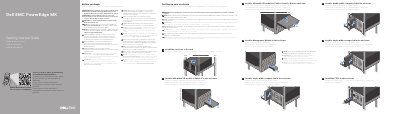
This guide provides setup steps for the Dell EMC PowerEdge MX enclosure, including installing the enclosure in a rack and installing I/O modules, compute and storage sleds, management modules, and power supplies.
It also includes safety warnings and notes, such as removing installed sleds, I/O modules, and power supplies before rack installation, covering I/O connectors, installing blanks in unused slots, and connecting both management modules to the network when two are installed.
The documentation set for the system is available at Dell.com/poweredgemanuals.
All installed sleds, I/O modules, and power supplies must be removed before installing the enclosure into the rack.
Blanks should be installed in all unused slots to ensure proper thermal performance.
Both management modules must be connected to the network.