
This document provides instructions on how to set up Windows.
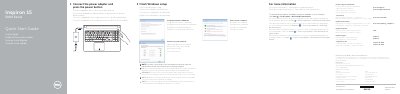
This document serves as a Quick Start Guide for the Dell Inspiron 15 5000 Series laptop. It outlines the initial steps to finish the Windows setup, including connecting the power adapter and setting up a password. The guide also directs users to Dell Help Documentation for advanced options and features.
| Input Voltage | 100 V CA–240 V CA |
|---|---|
| Input Frequency | 50 Hz–60 Hz |
| Input Current Consumption | 1,30 A/1,60 A/1,70 A |
| Output Voltage | 19,50 V DC |
| Output Current Consumption | 2,31 A/3,34 A |
Enter the password for the wireless network access when prompted.
Click Start → All Programs→ Dell Help Documentation.