
Dell Inspiron 17-5759 Quick Start Guide
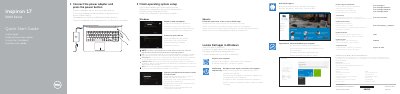
This Quick Start Guide helps you set up the Dell Inspiron 17-5759 laptop. It covers connecting the power adapter, finishing operating system setup, enabling security and updates, connecting to a network, and signing in to a Microsoft or local account.
The guide also lists the computer’s features, including ports, camera, microphones, and buttons, and provides shortcut keys for audio, display, and wireless functions. Support and regulatory information, including regulatory model P28E, is included at the end.
| Regulatory model | P28E |
|---|---|
| Computer model | Inspiron 17-5759 |
| Input voltage | 100 V CA–240 V CA |
| Output voltage | 19,50 V CC |
Connect the power adapter and press the power button.
It is in the battery bay.
Use the shortcut key to turn off/on wireless.