
The Dell Inspiron 15 5000 Series notebook quick start guide.
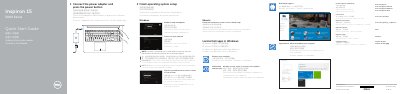
Connect the power adapter and press the power button to start the notebook. Finish operating system setup for Windows or Ubuntu, enable security and updates, connect to your network, and sign in to a Microsoft account or create a local account.
The guide also covers Dell apps such as SupportAssist, Dell Backup and Recovery, and Dell Help & Support. A features diagram identifies the camera, microphones, ports, buttons, and shortcut keys.
| USB 3.0 ports | 2 |
|---|
Connect the power adapter and press the power button.
It is the Inspiron 15 5000 Series.
See Product support and manuals and the Dell support websites.
It has two USB 3.0 ports.